
Deposit Mbmbet – 3 Popular Payment Methods Explained
Deposit Mbmbet is an essential step for users who want to access the platform’s entertainment products with an available account balance. The service provides several payment options, giving members more flexibility during use. The guide below explains each method in a straightforward sequence for first-time users.
How to deposit Mbmbet using each available method
To give members greater flexibility, the platform provides several payment choices for adding funds. Users can review the instructions for each option, compare the required information, and select a method that best matches their current payment tools.
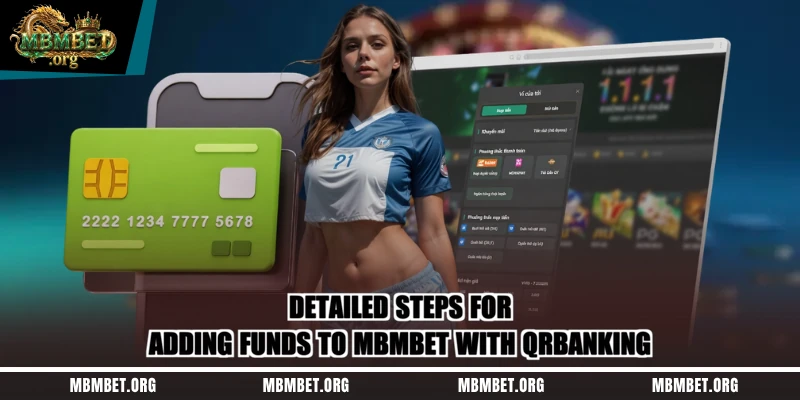
QRBanking – Add balance quickly with a QR code
QRBanking is a commonly selected option because the process is simple and only requires access to a supported bank account. Users can complete the transaction by following the steps below:
- Step 1: Sign in to the official account on the platform.
- Step 2: From the main interface, select “DEPOSIT.”
- Step 3: In the payment-method list, choose QRBanking.
- Step 4: Enter the amount to add. The platform uses 1K to represent 1,000 VND, so a user who wants to add 50,000 VND would enter 50K according to the displayed instructions.
- Step 5: Select “DEPOSIT NOW” to submit the request. The system will receive the information and process the transaction shortly afterward.
Add funds through MomoPay, ViettelPay, or ZaloPay
Electronic wallets are increasingly popular because they allow quick payments with relatively simple steps. If this option is available, users can add balance to their accounts by following the sequence below:
- Step 1: Sign in to the account registered in your own name to begin the transaction.
- Step 2: Select “DEPOSIT” from the interface.
- Step 3: Enter the amount to add and choose a suitable option such as MomoPay, ViettelPay, or ZaloPay.
- Step 4: Select “ADD FUNDS” to send the request to the system.
Deposit Mbmbet with a prepaid mobile card
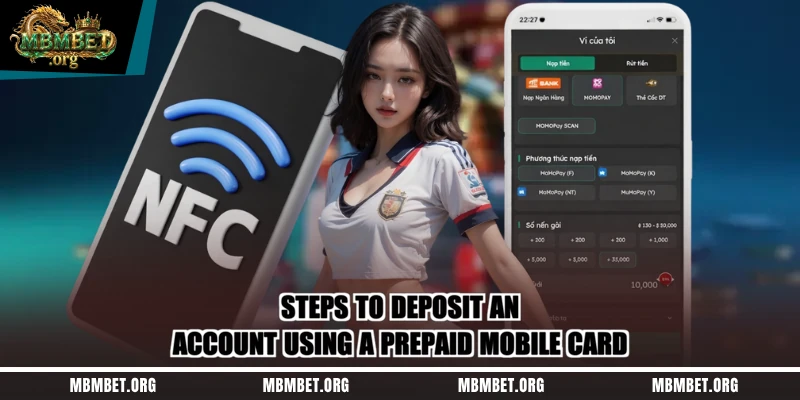
Prepaid cards have long been a familiar way to add balance on some online entertainment services. If Mbmbet supports this method at the time of the transaction, users can follow the sequence below and should verify all card details before submitting them.
- Step 1: Sign in to your account and open the application’s main interface.
- Step 2: Select “DEPOSIT” on the homepage.
- Step 3: Choose the relevant mobile carrier, such as Viettel, Mobifone, Vinaphone, or Vietnamobile.
- Step 4: Enter the requested card information and denomination accurately.
- Step 5: Select “ADD FUNDS” to submit the request and wait for the system response.
Read more: Withdraw Mbmbet – 4 Safe Steps For Fast Transactions
Important notes when adding balance to Mbmbet
The available payment methods are designed to be relatively easy to use, but users should still review several details to reduce avoidable mistakes. Checking the amount, payment channel, and account information before confirmation can make the process smoother and reduce unnecessary transaction issues.
Do not save account information in a browser
Even when a platform uses security measures, users should actively protect personal data by avoiding saved credentials on shared browsers or devices. Passwords, account access details, and verification codes should never be provided to third parties because doing so can lead to loss of account control.
Check promotional offers when you deposit
The application may run promotional campaigns for members at different times. Before adding funds, users should review the current offer, validity period, eligibility criteria, and any associated conditions so they can understand whether a campaign applies to their account.
Maintain a stable Internet connection
Deposit Mbmbet is completed through an Internet connection, so a stable network is important. If the connection becomes unstable or stops during the transaction, users should check the current transaction status before trying again to avoid creating duplicate requests.
Verify the official access link carefully
Online platforms can be imitated by fraudulent websites designed to collect user information. Users should therefore verify the domain and access source before signing in or starting any transaction, especially when a link is received through an unfamiliar channel.
Contact customer support if a transaction has a problem
If the balance update fails or an issue cannot be resolved independently, users should contact Mbmbet customer support for guidance. When requesting assistance, provide relevant transaction information but never share passwords, one-time codes, or other private security credentials.
Review transaction details carefully before confirmation
Before confirming a payment request, users should check the amount, selected payment method, and recipient account information. This step helps reduce mistakes, prevents avoidable disputes, and gives the system a clearer set of information to process correctly.
Conclusion
Deposit Mbmbet offers several methods that give users more choices when adding balance to an account. Before making a transaction, verify the information, use an official access channel, and maintain a stable Internet connection. Following the displayed instructions carefully can make the funding process more convenient.